Key features
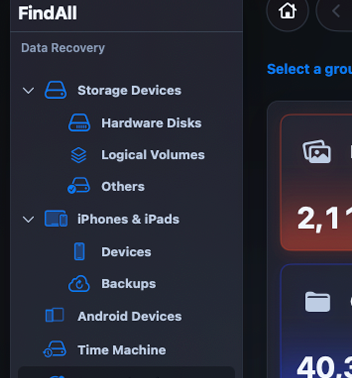
Scan internal drives, external storage, removable media, supported iPhone, iPad, iPod, and Android sources, local iOS backups, Time Machine locations, Trash, and system recovery locations.

FindMeAll is a macOS recovery utility built to help you locate and recover deleted files from your Mac, connected storage devices, local iPhone and iPad backups, Android devices, and Time Machine sources.

Important files can disappear by mistake, but a clear recovery workflow helps you scan carefully, review what is found, and copy selected files before they are lost for good.

The more information you provide about the missing files, where they were stored, and what happened before they disappeared, the easier it is to narrow the search and find everything more quickly.
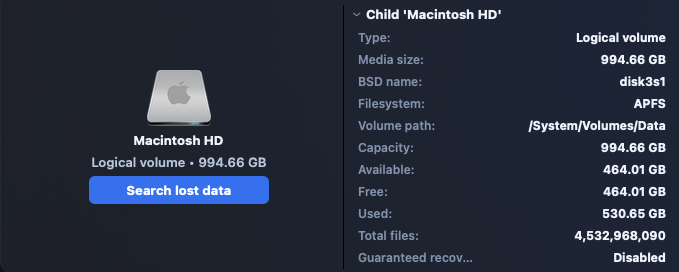
Scan locally, preview recoverable items, select the files you want, and copy recovered files to a destination you choose.
Designed with a clean native Mac interface, FindMeAll scans available volumes and organizes results into clear recovery sections, including Deleted and Lost, Existing, Reconstructed, and Personal Data.
You can review recoverable files by category, filter scan results, preview supported files, select the items you want, and copy recovered files to a destination you choose.
FindMeAll focuses on read-only recovery workflows. The app is designed to scan, copy, and recover files without erasing data from your Mac or connected volumes.
Scan internal drives, external storage, removable media, supported iPhone, iPad, iPod, and Android sources, local iOS backups, Time Machine locations, Trash, and system recovery locations.
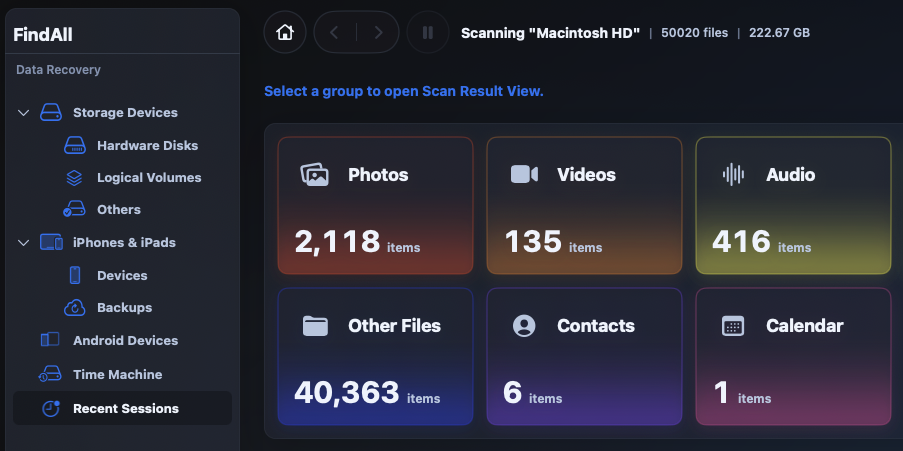
Photos, videos, audio, documents, archives, other files, contacts, and calendar data can be organized for review when available.
FindMeAll does not collect, sell, transmit, or share user data. Scanning and recovery are performed locally on your Mac. For the deepest scan access, macOS may require Full Disk Access.