Fast scanning
Use standard camera scan or native Smart Scan with automatic document detection, crop support, and manual corner adjustment.

Fast document scanner for clean PDFs on iPhone and iPad. Scan, organize, search, highlight, share, and export documents without extra complexity.

Skani is built for receipts, forms, school papers, business documents, legal paperwork, delivery records, invoices, and everyday files that need to become organized digital documents quickly.
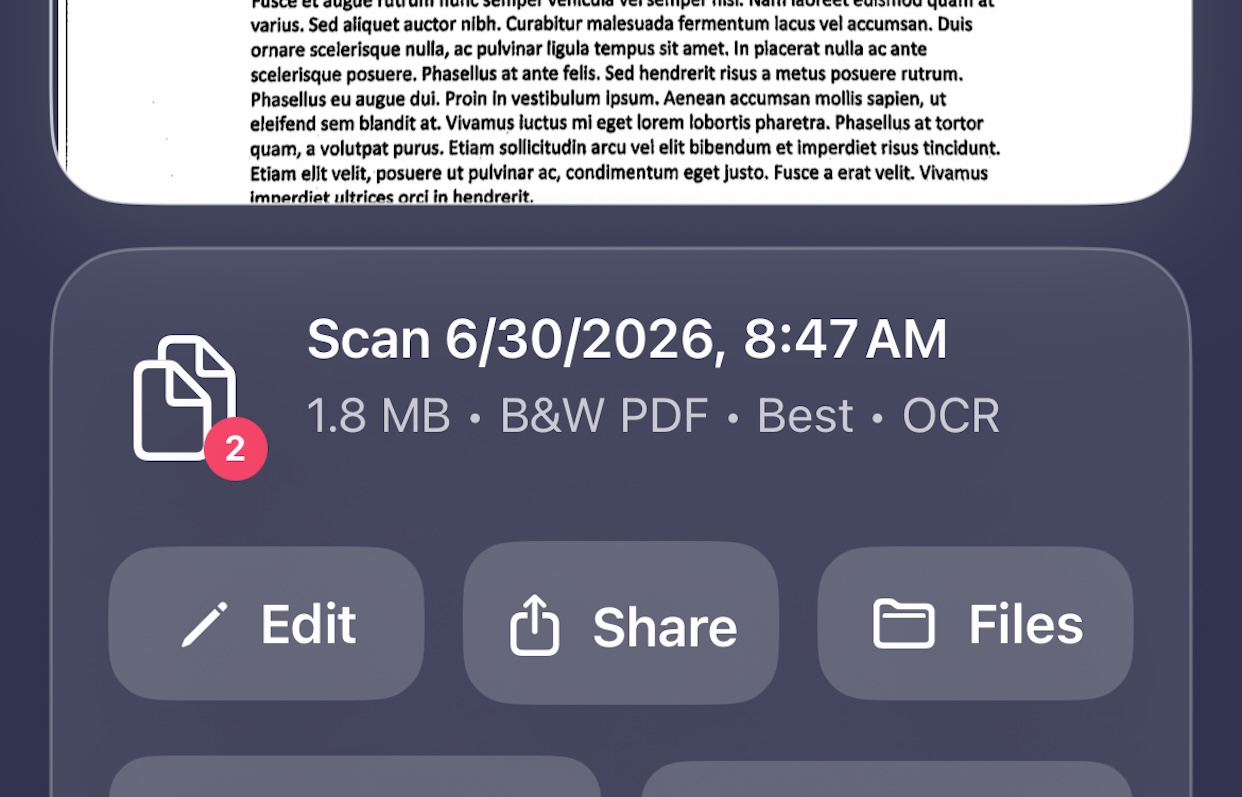

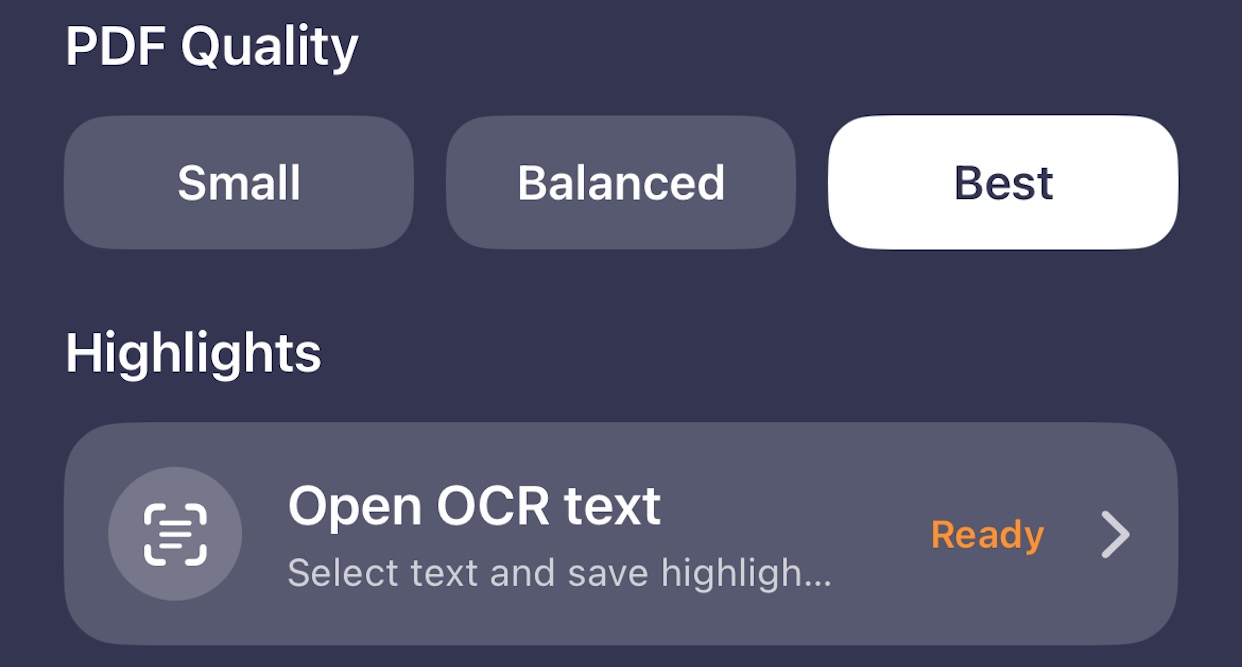
Search saved documents by name, OCR text, output mode, quality, or date. Highlight important recognized text, copy OCR content, or export highlighted text for quick review and follow-up.
Skani keeps scanning simple while giving you the tools that matter for professional PDF capture, cleanup, organization, search, and export.
Skani is a focused document scanner built for people who need clean, reliable PDF files without turning a simple scan into a complicated workflow.
Open the app, scan your document, review the result, and save it locally. Skani supports fast camera scans, native Smart Scan, perspective correction, crop support, OCR text recognition, PDF highlighting, and flexible export options.
Skani is local-first. Your saved scans, OCR text, document settings, and highlights stay on your device, and you control when a document is shared or exported.
Use standard camera scan or native Smart Scan with automatic document detection, crop support, and manual corner adjustment.
Create black-and-white, grayscale, color, or auto PDFs with quality options for smaller files or higher-resolution results.
Rename documents, add or reorder pages, search OCR text, highlight important information, preview PDFs, share, and export to Files.