
LokMe
A macOS menu-bar utility that creates a full-screen visual privacy overlay with native animated effects, customizable clocks, timers, and local authentication.

Lock and Secure
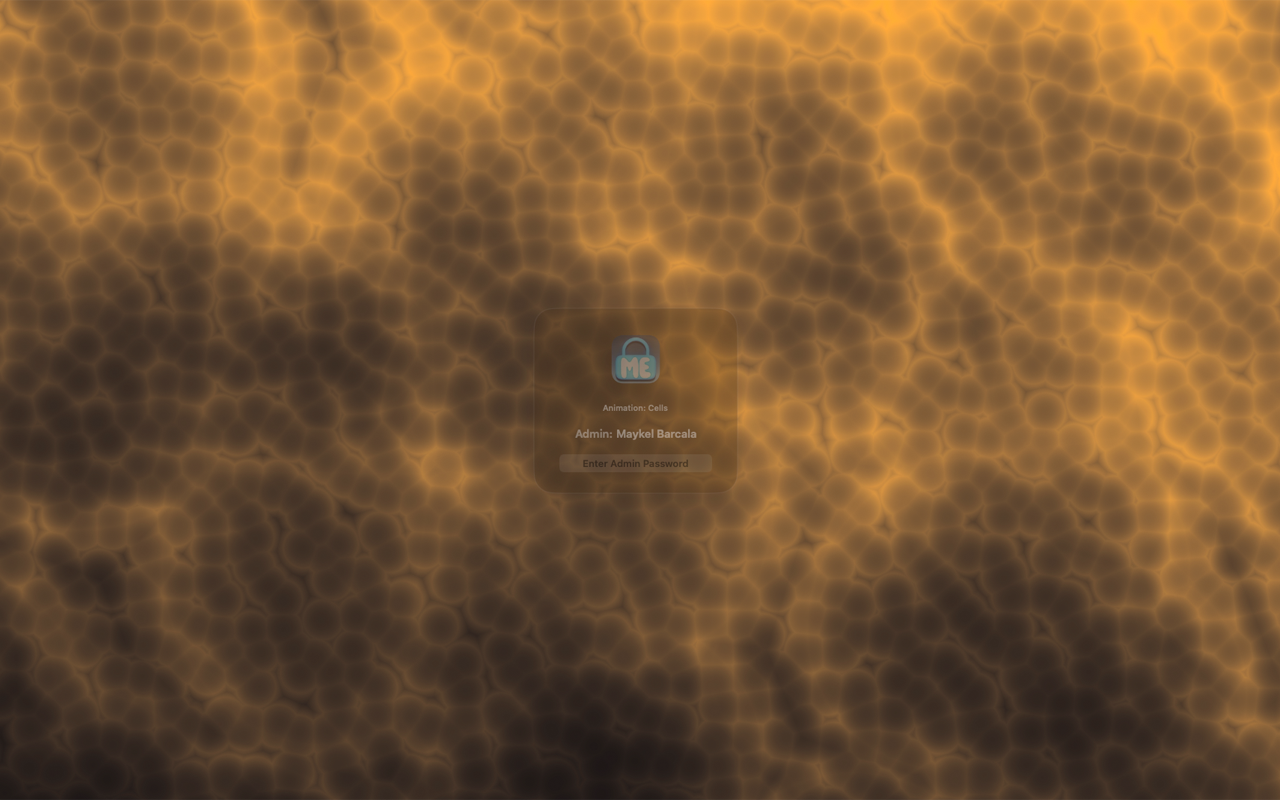
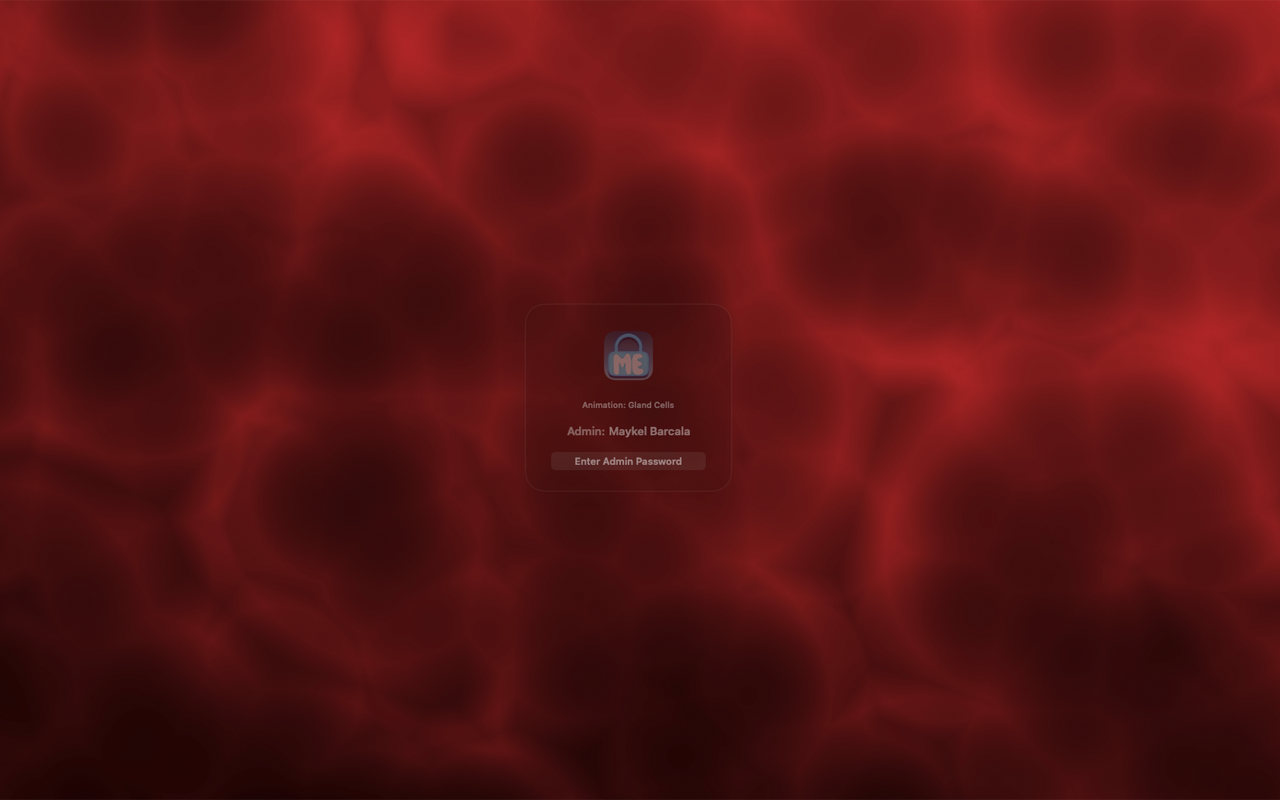
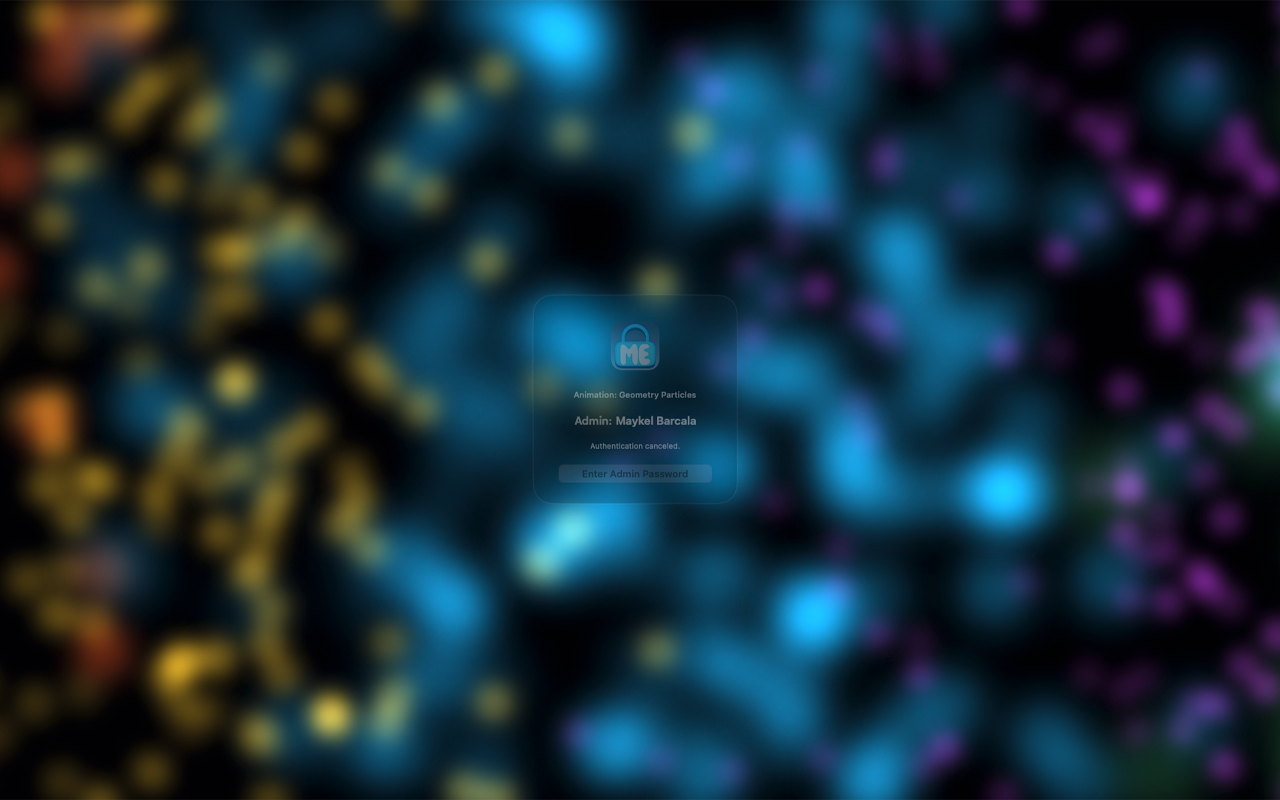
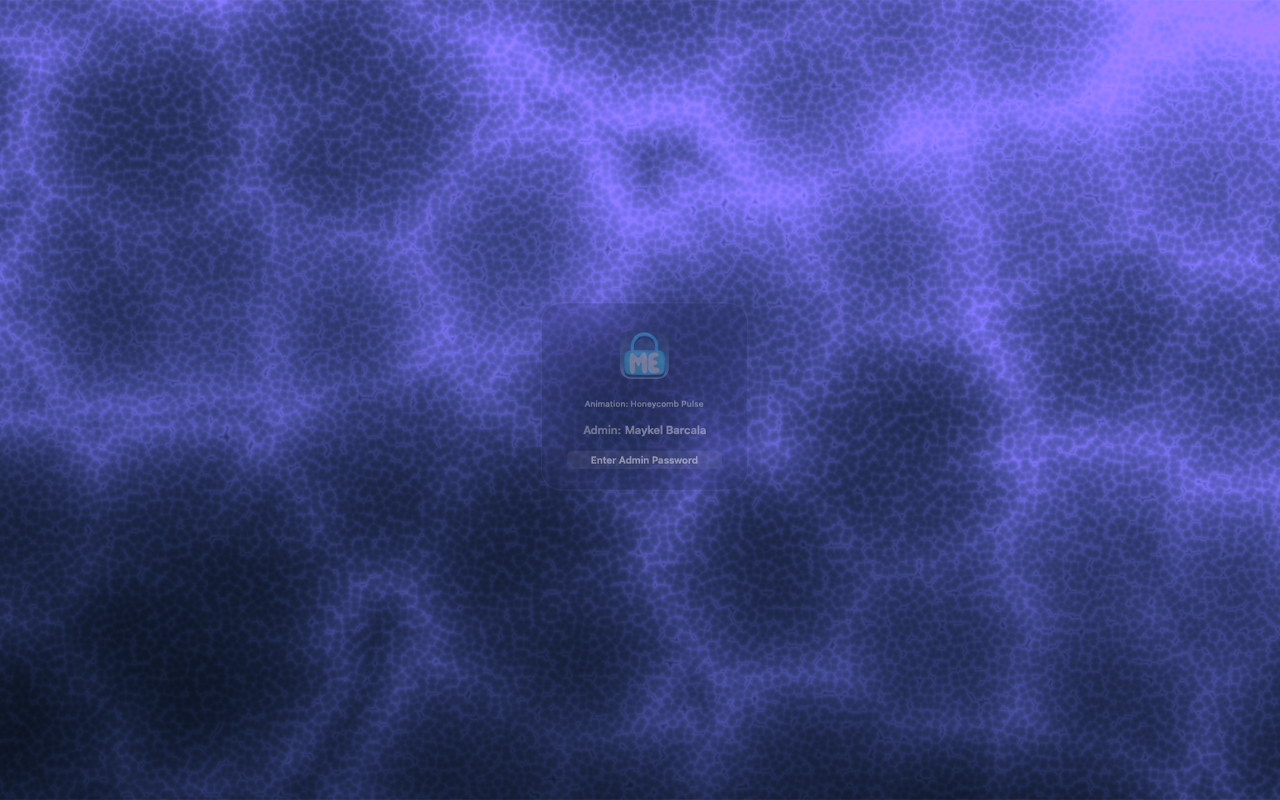
Create a focused privacy overlay for your Mac.
Use a clean animated screen when stepping away, presenting a workstation, or reducing casual desktop visibility.
LokMe is a macOS menu-bar utility that creates a full-screen visual privacy overlay for your Mac. Turn it on from the menu bar, choose an animated background, customize the clock, and close the overlay with local macOS authentication when you are ready to return to your desktop.
LokMe is designed for people who want a clean, branded, animated screen while stepping away from their computer, presenting a workstation, or keeping casual screen visibility reduced. It is not a replacement for the official macOS Lock Screen, FileVault, or your system security settings.
LokMe's Vanta-style animation effects began with Vanta.js, the open-source animated background project by Teng Bao and contributors. The app now uses a native Swift and Metal implementation rebuilt for macOS, while still crediting Vanta.js for the original animation effect concepts and MIT-licensed source inspiration.
Key Features
- Menu-bar control for turning the overlay on and off.
- Native macOS full-screen preview overlay.
- Multiple animated visual effects.
- Custom clock styles, colors, fonts, sizes, time format, seconds, and screen position.
- Adjustable animation speed.
- Optional auto-open timer.
- Local authentication before closing the overlay.
- Built-in third-party notices and license credits.