Video conversion
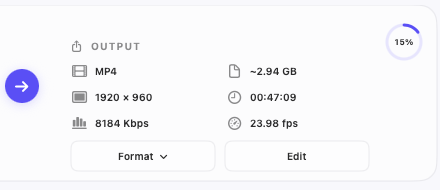
Edit one video or apply shared settings to selected videos. Convert two files at a time with real circular progress and individual stop controls, then save results beside their sources with unique names that prevent overwriting.
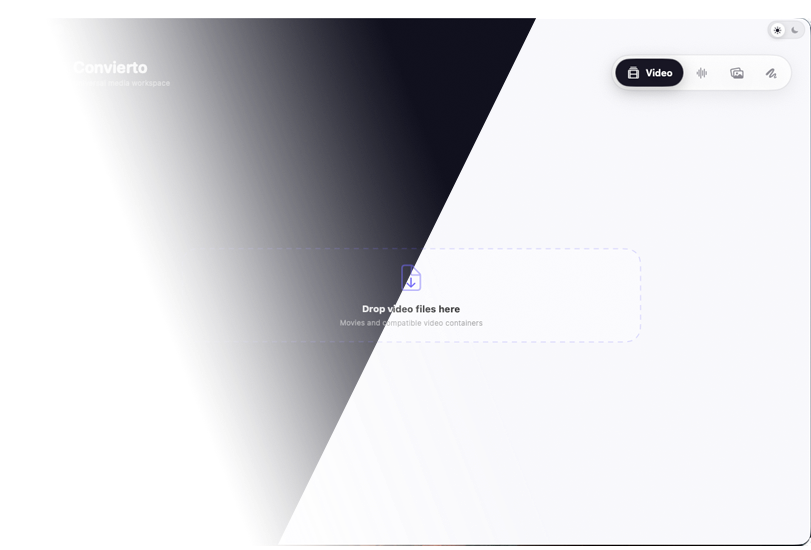

A private, all-in-one media workspace for macOS. Convert video and audio, prepare images, and create complete app-icon packages without uploading your files to a server. Every tool is designed to keep control of your source files and final output on your Mac.

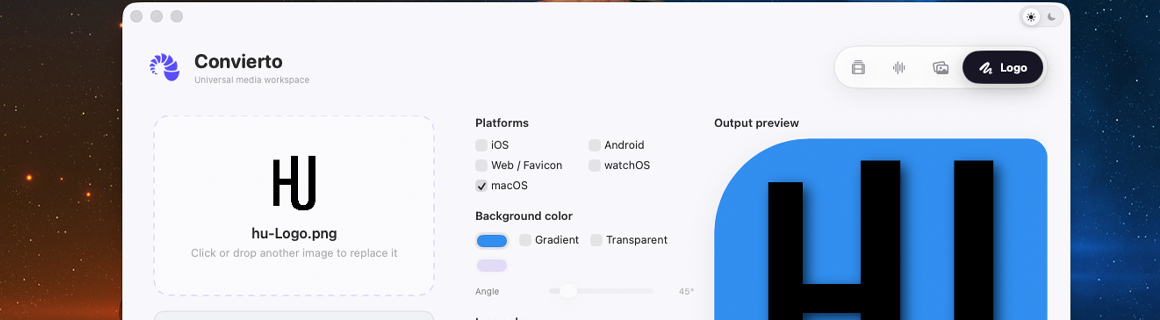
Review source details, customize each output, and follow real conversion progress in a clean interface designed for Light and Dark Mode. Drag files in from Finder, keep imported media available while switching workspaces, and return to recent export locations through History.
Import common video formats including MP4, MOV, M4V, HEVC, AVI, MKV, MPG, MPEG, OGV, WebM, and WMV. Export to the format you need with H.264, H.265, ProRes 422, MPEG-4/2, VP8/9, or WMV 8 encoding. Keep the original resolution, choose presets from 144p to 4K, or enter a custom size while controlling frame rate, video bit rate, audio settings, embedded tracks, and subtitles.
Use one focused Mac workspace to convert video and audio, resize and export images, and create icon packages for Apple, Android, web, and desktop platforms. Build reliable outputs without unnecessary file uploads, accounts, subscriptions, or background tracking.
Prepare video with compatible H.264, H.265, ProRes, MPEG-4/2, VP8/9, or WMV encoding. Keep source resolution, use presets from 144p to 4K, enter a custom size, and control audio channels, sample rate, bit rate, metadata, and subtitle handling. Select embedded audio and subtitle tracks by language, include compatible tracks, disable them, or load an external subtitle file.
Convert audio to MP3, M4A, WAV, AIFF, FLAC, or AAC. Export images to PNG, JPEG, HEIF, TIFF, WebP, GIF, or SVG with precision resizing, framing, resampling, quality controls, transparency, and metadata options. Files stay on your Mac, with App Sandbox limiting access to locations you authorize and no accounts, uploads, advertising, analytics, or tracking.
Edit one video or apply shared settings to selected videos. Convert two files at a time with real circular progress and individual stop controls, then save results beside their sources with unique names that prevent overwriting.
Import multiple audio files, review cover artwork and source details, then export MP3, M4A, WAV, AIFF, FLAC, or AAC. Choose bit rate, sample rate, and channels while preserving compatible metadata and cover artwork.
Export one image to multiple formats at once: PNG, JPEG, HEIF, TIFF, WebP, GIF, or SVG. Use Custom, HD, Full HD, Square, or 4K presets, choose Fit, Fill, Exact, or Canvas framing, and prevent unwanted upscaling.
Generate platform-ready PNG icon sets for iOS, Android, Web and Favicon, watchOS, and macOS from one source image. Customize solid or gradient backgrounds, transparency, shapes, padding, corners, overlays, shadows, embossing, and export folders.
Open supported media from Finder or drag it into the app. Use batch selection, Modify All, live output estimates, non-destructive naming, built-in help, and History to return to recent export locations quickly.
Your media remains on your Mac. Convierto does not require an account, upload files to a server, include advertising, collect analytics, or use tracking. You decide which locations the app may access.